
Discover the beauty
of the world around
Escape the ordinary and find inspiration in the most breathtaking corners of the globe. We curate unique travel experiences tailored to your rhythm and spirit.

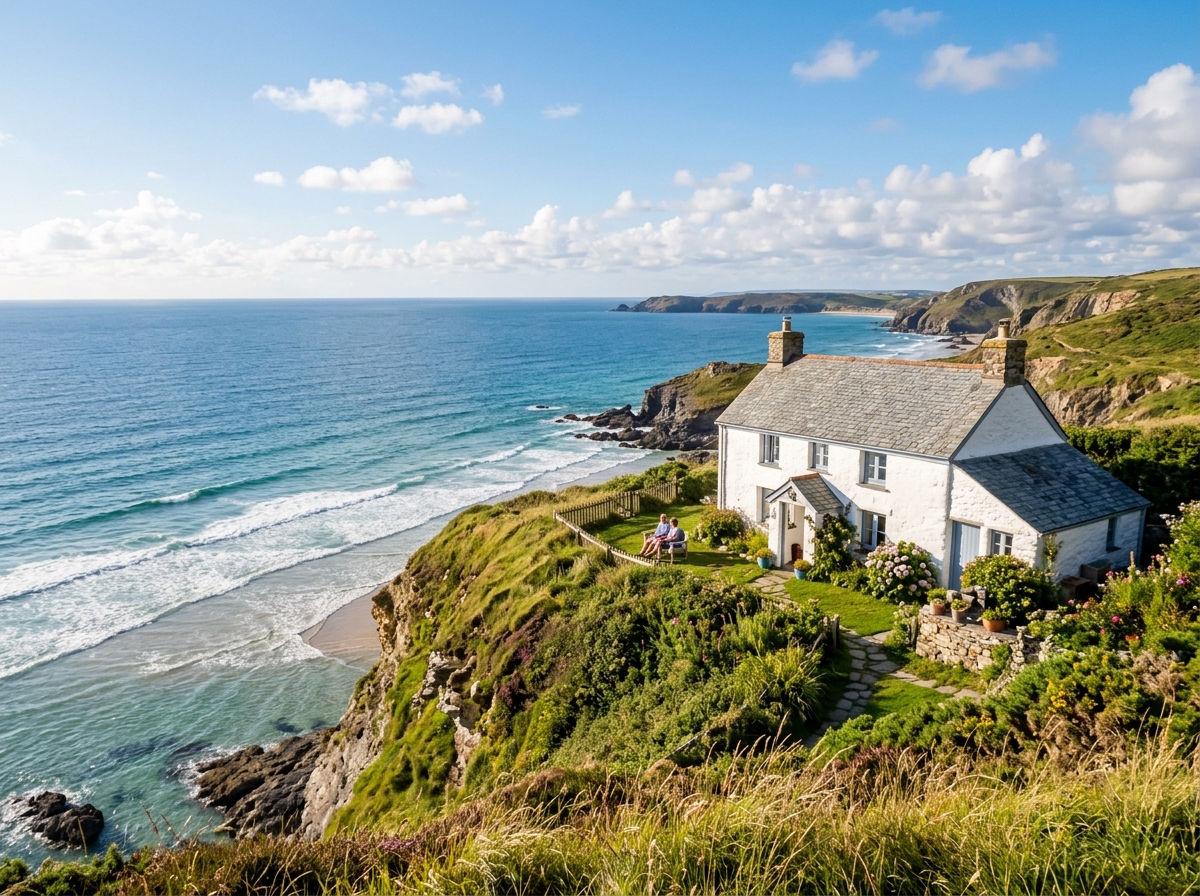
Hidden Gems
Explore our handpicked collection of authentic stays and secluded retreats, where nature meets comfort in perfect harmony.
Select or create a trip in the dashboard to start planning.
Your Travel Workspace
Sign in or register to sync your travel boards and itineraries to the cloud.
Frequently asked
questions
Here are some common questions about our workspace to help you understand better.
What is Routes?
Routes is a visual, clean travel planner that helps you organize your itineraries, accommodation bookmarks, and destinations into beautiful minimal boards. You can plan trips on your own or co-plan with friends in real-time.
How does Cloud Sync work?
When you sign up for an account, all your boards and plans are safely saved to the cloud. Any changes you make in your workspace will save automatically in the background, letting you access your travel plans from any device.
Can I use the app without an account?
Yes. Unregistered guests can build and edit boards locally on their machine. Your plans are saved to local storage. However, creating an account is highly recommended to prevent data loss if cache gets cleared.
Why am I limited to 2 collections?
Our free tier includes up to 2 active travel collections. This count includes collections you own as well as any collections shared with you by other travelers.
How do I add link cards with images?
Simply paste any website link (like a hotel, flight booking, or blog post) into your collection workspace input bar and hit enter. Routes automatically pulls the site's main image and details to create a beautiful visual card in your column layout.
How do I invite other travelers to co-plan?
Open the collection you want to share, click the "Share" button in the top right of the workspace, and enter their email address. Once invited, they will see the collection on their own dashboard and can co-plan with you in real-time.